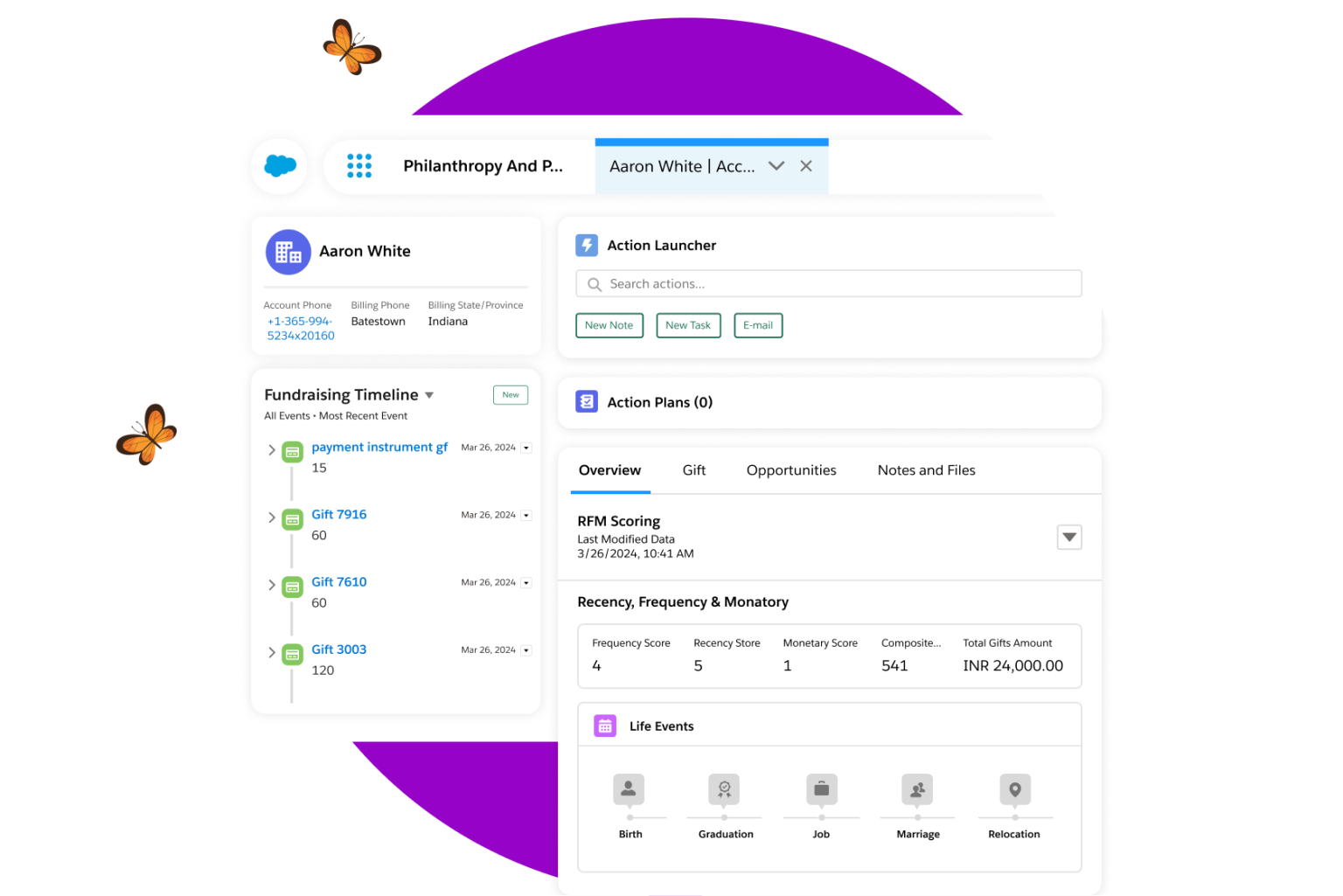
Salesforce is incredibly powerful for nonprofits, especially when it comes to donation reporting—but many new users don’t know where to begin. The goal isn’t just to track revenue; the goal is to understand donor behaviour and measure impact.
Start with a Donation Summary Report. Use the Opportunities object and filter by Type = Donation. Group by Close Date or Donor Account and summarize total amounts. This gives you instant visibility into giving history, revenue trends, and donor value.
Next, build a Year-Over-Year Donation Comparison Report. Group by Close Date (calendar year) and summarize Amount. This highlights growth patterns, donor retention, and seasonal giving cycles—essential for annual appeals and grant reporting.
One of the most valuable reports is Donor Recency and Frequency. Filter by Last Donation Date or Total Donations Count to identify recurring donors versus lapsed donors. This leads directly to smarter stewardship: thank-you messages, re-engagement campaigns, monthly donor invitations.
Visualizing donations on a dashboard transforms numbers into storytelling: funds raised by month, average gift size, number of active donors. The result is clear reporting for leadership—and improved fundraising strategy.
Salesforce reporting empowers nonprofits to make data-driven decisions, strengthen donor relationships, and increase their impact. Start with a few core reports—growth will follow.
Registered charities can apply to receive 10 licenses for free. If you are interest in learning more, visit our parent company SHCG for more details: www.shcg.ca