Customer service teams generate large amounts of Salesforce data every day—cases, emails, response times, resolutions—and reports are the key to making sense of it all. If your team is new to Salesforce reporting, the best place to begin is with a Case Volume Report.
Start with the Cases report type and group by Priority, Owner, or Status. This simple view shows how many issues are active, resolved, or overdue. Add filters such as “Open Cases Only” or “Cases Waiting for Customer Response” to create clarity and reduce backlog.
Next, create a Time-to-Close Report using summary fields. Quick insight into average handling time helps support teams improve efficiency and customer experience. You can even break it down by agent to identify high performers or training needs.
Don’t forget to track trends. A Case Origin Report shows where requests come from—phone, web, email, social, or chat—and guides investment in the right support channels.
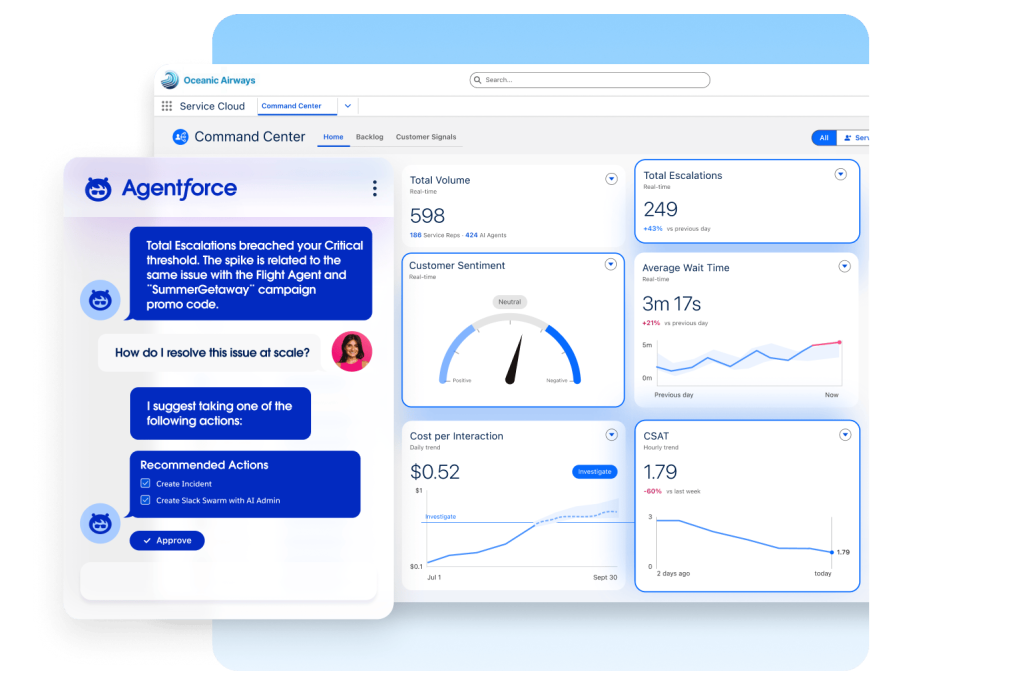
Adding these reports to a dashboard makes support health visible at a glance: open cases, resolution time, customer satisfaction, and volume trends. For many organizations, this visibility is transformative.
Salesforce reports give service teams the power to respond faster, reduce wait times, and deliver better customer support. Start simple, build confidence, and watch your efficiency increase.
Learn more about Salesforce Service Cloud: https://www.salesforce.com/service/customer-service-operations/